

Web servers record search engine bot interactions within log files daily. These log files are the only source of 100% accurate bot behavior data, unlike third-party crawlers which only simulate requests. Every request—whether from Googlebot, Bingbot, or a human visitor—is documented, providing the ground truth for technical SEO analysis. Every day, your web server silently records thousands of conversations between search engine bots and your website. These conversations—documented in log files—hold the answers to some of SEO’s most pressing questions: Why isn’t Google crawling my new pages? Where is my crawl budget being wasted? Which technical issues are invisible to standard SEO tools?
Log file analysis transforms this raw server data into actionable SEO intelligence. While most SEO professionals rely solely on Google Search Console and third-party crawlers, those who master log file analysis gain an unfiltered view of exactly how search engines interact with their websites.
This comprehensive guide will walk you through everything you need to know about log file analysis for SEO—from accessing your first log file to uncovering crawl patterns that can dramatically improve your search visibility.
Introduction to Log File Analysis for SEO
Log file analysis is the process of examining web server logs to understand how search engine bots, users, and other automated systems interact with your website. For SEO professionals, this practice reveals critical insights that no other tool can provide.
Unlike crawling tools that simulate bot behavior, log files show you actual search engine activity. This distinction matters enormously when diagnosing indexation problems, optimizing crawl budget, or validating technical SEO implementations.
What is a Log File?
A log file is a text-based record automatically generated by your web server for every request made to your website. Log file analysis is the ground-truth method for measuring search engine crawl efficiency. Each line in a log file represents a single request—whether from a human visitor, a search engine crawler, or an automated bot. A log file is a text-based record automatically generated by your web server every time a request is made to your website. Each line in a log file represents a single request—whether from a human visitor, a search engine crawler, or an automated bot. A standard Common Log Format (CLF) entry consists of the following syntax: When Googlebot visits your homepage, your server records this interaction with precise details: the exact timestamp, the IP address, the requested URL, the HTTP status code returned, the user agent string identifying the bot, and more.
A typical log entry looks something like this:
66.249.66.1 - - [15/Jan/2025:10:23:45 +0000] "GET /products/widget-blue HTTP/1.1" 200 15234 "-" "Mozilla/5.0 (compatible; Googlebot/2.1; +http://www.google.com/bot.html)"
This single line tells us that Googlebot requested the /products/widget-blue page on January 15th, 2025, and received a successful 200 response with 15,234 bytes of data.
Why Is Log File Analysis Important for SEO?
Log file analysis matters because it provides ground truth about search engine behavior. Here’s why this matters:
Crawl Budget Optimization: Google allocates limited crawling resources to each website. Log analysis reveals exactly where those resources are being spent—and wasted. Research from various SEO studies indicates that large websites often see 30-50% of their crawl budget consumed by non-essential pages like faceted navigation, internal search results, or outdated URLs.
Indexation Diagnostics: When important pages aren’t getting indexed, log files reveal whether the problem is crawling (Google isn’t finding the pages) or indexing (Google finds them but chooses not to index them). This distinction fundamentally changes your remediation strategy.
Technical Issue Discovery: Log files expose issues invisible to standard audits—intermittent 500 errors, slow response times during peak crawling periods, or redirect chains that only affect bots.
Competitive Intelligence: Understanding your crawl patterns helps benchmark against industry standards and identify opportunities to attract more search engine attention to valuable content.
Types and Formats of Log Files
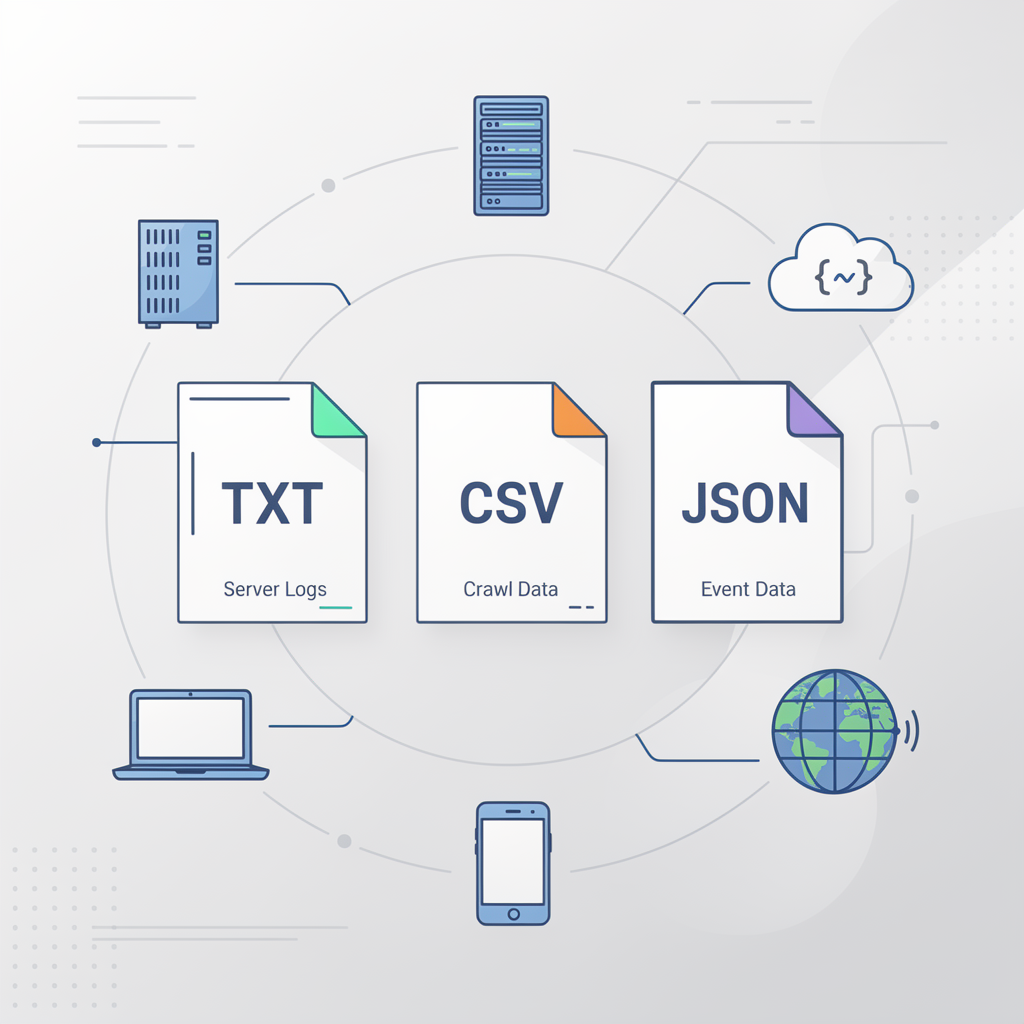
Log Rotation: Most web servers implement log rotation to archive or compress old log files automatically, typically on a daily or weekly basis. For example, Apache may create files like access.log.1 or compressed archives such as access.log.2024-12-31.gz. Understanding your server’s log rotation schedule is crucial for retrieving historical crawl data and ensuring you do not lose valuable information needed for long-term SEO audits. Before diving into analysis, you need to understand the different log file formats you might encounter. The format determines how you’ll parse and analyze the data.
Common Web Server Log Formats
Common Log Format (CLF)
The original standardized format, CLF includes essential fields: host, identity, user, timestamp, request, status code, and size.
127.0.0.1 - frank [10/Oct/2024:13:55:36 -0700] "GET /index.html HTTP/1.0" 200 2326
Combined Log Format
The most widely used format extends CLF with referrer and user agent information—critical for SEO analysis:
127.0.0.1 - frank [10/Oct/2024:13:55:36 -0700] "GET /index.html HTTP/1.0" 200 2326 "http://www.example.com/start.html" "Mozilla/5.0 (compatible; Googlebot/2.1)"
W3C Extended Log Format
Common with Microsoft IIS servers, this format uses a header to define which fields are included, offering flexibility but requiring careful parsing.
JSON Log Format
Increasingly popular in modern cloud environments, JSON logs are easier to parse programmatically and integrate with analytics platforms:
{"timestamp":"2025-01-15T10:23:45Z","client_ip":"66.249.66.1","method":"GET","uri":"/products/widget","status":200,"user_agent":"Googlebot/2.1"}
Understanding Key Log File Fields
For SEO analysis, certain fields provide the most value:
| Field | SEO Relevance |
| Timestamp | Identifies crawl frequency and patterns |
| IP Address | Verifies legitimate bot traffic |
| Request URL | Shows which pages bots are crawling |
| Status Code | Reveals errors, redirects, and successful requests |
| User Agent | Identifies specific bots (Googlebot, Bingbot, etc.) |
| Bytes Sent | Indicates page size and potential rendering issues |
| Response Time | Highlights performance problems |
| Referrer | Shows internal link discovery paths |

Accessing and Extracting Log Files

Getting your hands on log files varies depending on your hosting environment. Here’s how to access them across common setups.
Downloading Log Files from Your Server
Apache servers store access logs in the /var/log/apache2/ or /var/log/httpd/ directory. Use SSH to access these files: Shared Hosting (cPanel) Origin server logs may fail to capture total traffic if a Content Delivery Network (CDN) like Cloudflare, Fastly, or Akamai is active. Configure your CDN to either forward logs or access them directly from the CDN’s logging interface. Most shared hosting providers offer log access through cPanel: 1. Log into cPanel 2. Navigate to “Metrics” or “Logs” section 3. Click “Raw Access Logs” 4. Download the compressed log files for your domain
Apache Servers
Apache logs are typically stored in /var/log/apache2/ or /var/log/httpd/. Use SSH to access:
cd /var/log/apache2/
ls -la access.log*
NGINX Servers
NGINX logs default to /var/log/nginx/:
cd /var/log/nginx/
cat access.log | head -100
Cloud Platforms
- AWS: Access logs through CloudWatch or S3 bucket logging
- Google Cloud: Use Cloud Logging (formerly Stackdriver)
- Cloudflare: Enterprise plans offer raw log access; other plans provide analytics
CDN Considerations
If you use a CDN like Cloudflare, Fastly, or Akamai, your origin server logs may not capture all traffic. Configure your CDN to either forward logs or access them directly from the CDN’s logging interface.
Security Considerations and Data Privacy
Log files contain sensitive information that requires careful handling:
IP Address Privacy: Under GDPR and similar regulations, IP addresses constitute personal data. Consider anonymizing or truncating IP addresses before long-term storage or sharing with third parties.
Access Control: Restrict log file access to authorized personnel. Store logs in secure locations with appropriate permissions.
Retention Policies: Establish clear retention periods. Many organizations keep detailed logs for 30-90 days, then aggregate or delete them.
Data Processing Agreements: If using third-party log analysis tools, ensure appropriate data processing agreements are in place.
Tools for Log File Analysis
Regex for Log Filtering: Advanced log file analysis often requires regular expressions (regex) to extract or filter specific patterns. For example, to match CLF entries, use:
^(\S+) \S+ \S+ \[([\w:/]+\s[+\-]\d{4})\] "([A-Z]+) ([^ ]+) HTTP/[0-9.]+" (\d{3}) (\d+)
This regex captures the IP address, timestamp, HTTP method, URL, status code, and bytes sent—enabling precise extraction for custom analysis scripts. The right tools transform overwhelming log data into actionable insights. Options range from free command-line utilities to sophisticated SEO platforms.
Command-Line Tools for Quick Analysis
For quick analysis and filtering, command-line tools remain invaluable:
grep – Filter logs for specific patterns:
grep "Googlebot" access.log | wc -l
awk – Extract and manipulate specific fields:
awk '{print $7}' access.log | sort | uniq -c | sort -rn | head -20
sed – Transform and clean log data:
sed 's/\[.*\]//g' access.log
Spreadsheet Analysis
For smaller log files (under 100,000 lines), spreadsheets offer accessible analysis:
- Import the log file as delimited text
- Create pivot tables to analyze crawl frequency by URL
- Use COUNTIF functions to tally status codes
- Build charts showing crawl patterns over time
Dedicated Log Analysis Platforms
For enterprise-scale analysis, dedicated platforms provide powerful capabilities:
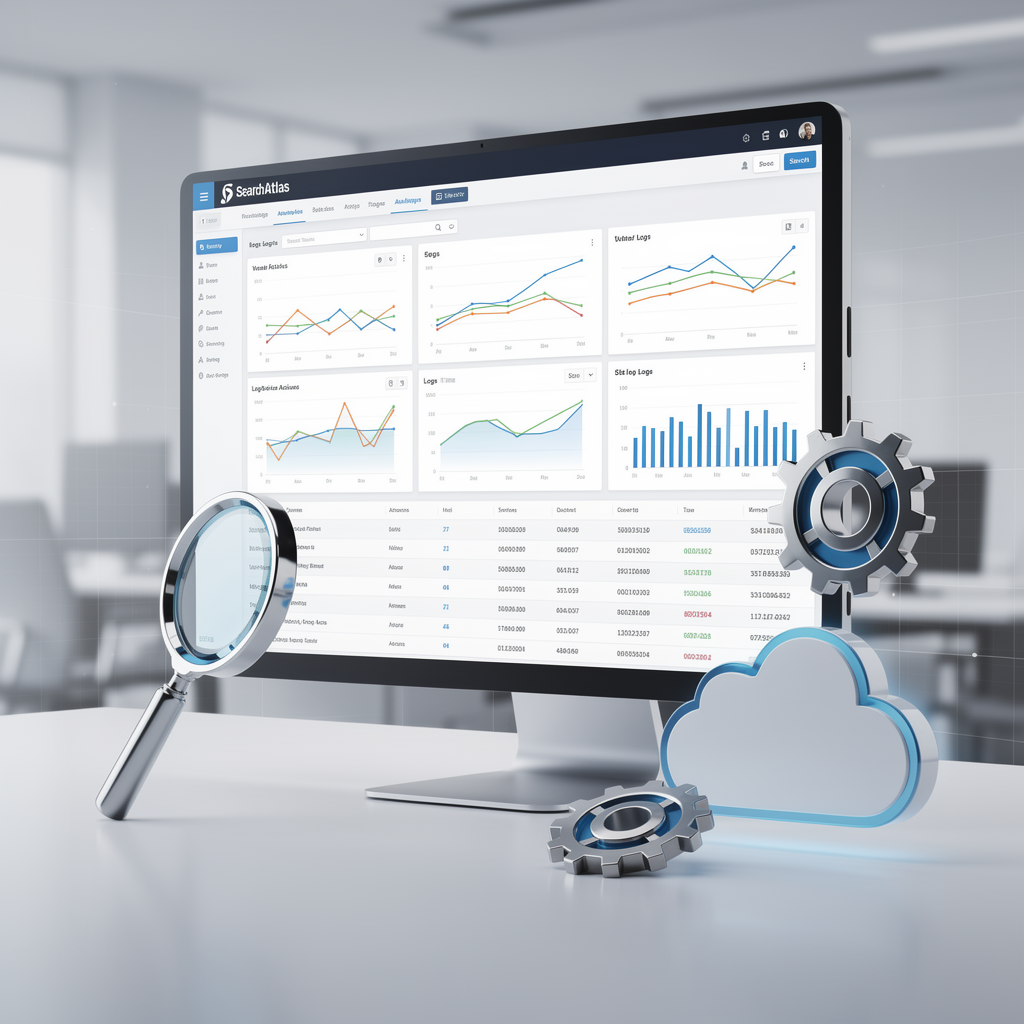
SearchAtlas offers integrated log file analysis within its comprehensive SEO platform, allowing you to correlate crawl data with ranking performance, identify crawl budget waste, and generate actionable recommendations without switching between tools.
Screaming Frog Log File Analyser provides detailed bot analysis with filtering and segmentation capabilities.
ELK Stack (Elasticsearch, Logstash, Kibana) offers powerful open-source analysis for teams with technical resources.
Splunk and Datadog provide enterprise-grade log analysis with SEO-specific dashboards available.
Building Custom Analysis Scripts
For recurring analysis needs, Python scripts offer flexibility:
import pandas as pd
from user_agents import parse
# Load and parse log file
logs = pd.read_csv('access.log', sep=' ', header=None)
# Filter for Googlebot
googlebot_logs = logs[logs[11].str.contains('Googlebot', na=False)]
# Analyze crawl frequency by URL
crawl_counts = googlebot_logs[6].value_counts()
print(crawl_counts.head(20))
Analyzing Search Engine Bot Activity
Healthy enterprise-level sites typically exhibit over 50,000 Googlebot requests per day, depending on index size. Sudden drops in crawl frequency may indicate technical problems or quality concerns. Understanding how search engines crawl your site is the core benefit of log file analysis. Let’s explore what to look for.
Identifying Search Engine Crawlers
Crawl Delay: Some search engines, such as Bingbot and YandexBot, respect the Crawl-delay directive in your robots.txt file. Monitoring log files for gaps between requests can help verify whether these bots are adhering to your specified crawl delay, aiding in server load management and crawl budget optimization. Search engines identify themselves through user agent strings:
| Search Engine | User Agent Contains |
| Googlebot, Googlebot-Image, Googlebot-News | |
| Bing | Bingbot |
| Yandex | YandexBot |
| Baidu | Baiduspider |
| DuckDuckGo | DuckDuckBot |
Verifying Legitimate Bots
Sophisticated bad actors spoof user agent strings. Verify legitimate Googlebot traffic through reverse DNS lookup:
host 66.249.66.1
# Should return: *.googlebot.com or *.google.com
Understanding Googlebot Crawl Patterns
Analyze your logs to answer critical questions:
Crawl Frequency: How often does Googlebot visit? Healthy sites see consistent daily crawling. Sudden drops may indicate technical problems or quality concerns.
Crawl Distribution: Which sections receive the most attention? Compare this against your site’s priority pages. Often, you’ll discover Googlebot spending excessive time on low-value pages.
Crawl Timing: When does Googlebot visit most frequently? This information helps schedule maintenance windows and server resource allocation.
Crawl Depth: How deep into your site structure does Googlebot venture? Pages requiring many clicks from the homepage often receive insufficient crawling.
Mobile-First Crawling Analysis
Since Google’s mobile-first indexing rollout, monitoring mobile Googlebot activity is essential:
Mozilla/5.0 (Linux; Android 6.0.1; Nexus 5X Build/MMB29P) AppleWebKit/537.36 (KHTML, like Gecko) Chrome/W.X.Y.Z Mobile Safari/537.36 (compatible; Googlebot/2.1)
Compare mobile versus desktop Googlebot crawl patterns: – Are both versions accessing the same URLs? – Do response times differ between mobile and desktop crawls? – Are there mobile-specific errors appearing in logs?
If mobile Googlebot receives different content or encounters errors not seen by desktop Googlebot, you’ve identified a critical issue affecting your indexation.
Diagnosing Common SEO Issues with Log Files
Gzip Compression: Log files can also reveal whether Googlebot is receiving compressed (gzip) or uncompressed responses. Monitoring the ‘Bytes Sent’ field for large discrepancies may indicate that certain resources are not being served with gzip compression, impacting crawl efficiency and bandwidth usage. Log file analysis excels at uncovering technical SEO problems. Here are the most impactful issues to investigate.
HTTP Status Code Analysis
Group your log entries by status code to identify problems:
2xx Success Codes – 200: Successful requests (good) – 204: No content (verify this is intentional)
3xx Redirects – 301: Permanent redirect (audit for redirect chains) – 302: Temporary redirect (often misused; should usually be 301) – 304: Not modified (efficient caching)
4xx Client Errors – 404: Not found (identify broken internal links and wasted crawl budget) – 410: Gone (proper way to indicate permanently removed content) – 429: Too many requests (rate limiting affecting crawlers)
5xx Server Errors – 500: Internal server error (critical—investigate immediately) – 502/503: Gateway/service unavailable (may indicate capacity issues) – 504: Gateway timeout (performance problems)
Identifying Crawl Budget Waste
Crawl budget waste occurs when search engines spend resources on low-value pages. Common culprits such as faceted navigation, internal search result pages, session ID parameters, and deep pagination can consume a disproportionate share of crawl activity, reducing the efficiency of search engine discovery for your most important content. Crawl budget waste occurs when search engines spend resources on low-value pages. Common culprits include:
Faceted Navigation: E-commerce sites often generate millions of URL combinations through filters. Log analysis reveals how much crawl budget these consume.
Internal Search Results: Search result pages typically offer little SEO value but can attract significant crawling.
Pagination: Deep pagination pages may receive crawling that would be better directed elsewhere.
Parameter Variations: Session IDs, tracking parameters, and sort orders create duplicate content issues.
Orphan Pages: Pages receiving bot traffic but lacking internal links indicate structural problems.
Case Study: E-commerce Crawl Budget Recovery
A large e-commerce client came to us with declining organic traffic despite consistent content production. Log file analysis revealed the problem:
- Total monthly Googlebot requests: 2.4 million
- Requests to product pages: 340,000 (14%)
- Requests to faceted navigation: 1.8 million (75%)
- Requests to other pages: 260,000 (11%)
Googlebot was spending 75% of its crawl budget on faceted navigation URLs that weren’t even indexed. After implementing proper canonicalization, robots.txt directives, and internal linking improvements:
- Faceted navigation crawling dropped to 180,000 requests (8%)
- Product page crawling increased to 1.9 million (79%)
- New product indexation time decreased from 14 days to 3 days
- Organic traffic increased 34% over six months
This transformation was only possible through log file analysis—standard SEO tools couldn’t reveal where crawl budget was actually being spent.
Advanced Log File Analysis Techniques
Log File Parsing vs. Log File Streaming: Traditional log file analysis relies on parsing static files, which can introduce latency between data collection and actionable insights. Advanced setups use log file streaming, where logs are ingested and analyzed in near real-time using tools like Logstash or Fluentd. Streaming enables SEOs to detect crawl issues or bot anomalies as they happen, improving response times for technical fixes. Once you’ve mastered the basics, these advanced techniques provide deeper insights.
Correlating Crawl Data with Rankings
The most powerful analysis combines log file data with ranking and traffic data. SearchAtlas enables this correlation by integrating crawl analysis with rank tracking, helping you answer questions like:
- Do pages that Googlebot visits more frequently rank better?
- How quickly do ranking changes follow crawl pattern changes?
- Which pages need more crawl attention to improve performance?
Analyzing Crawl Efficiency Metrics
Beyond simple crawl counts, analyze efficiency metrics:
Crawl Rate: Pages crawled per day/week. Track trends over time.
Response Time Distribution: What percentage of requests complete under 200ms? Under 500ms? Slow responses reduce crawl efficiency.
Bytes per Request: Unusually large responses may indicate bloated pages or improper resource handling.
Unique URL Ratio: What percentage of crawled URLs are unique versus repeated visits? High repetition may indicate crawl traps.
Log Analysis for JavaScript-Heavy Sites
Rendering Budget: Google allocates a separate rendering budget for JavaScript-heavy sites. By analyzing log files, you can determine if Googlebot’s rendering service is fetching all necessary resources (JS, CSS, images) and whether rendering delays are impacting indexation. Monitoring rendering-related requests helps optimize both crawl and rendering budgets for improved SEO performance. Modern JavaScript frameworks create unique crawling challenges. Log analysis helps identify:
- Whether Googlebot is requesting JavaScript and CSS resources
- Time gaps between initial HTML requests and subsequent resource requests
- Whether rendered content differs from initial HTML responses
Compare request patterns between Googlebot and Googlebot’s rendering service to ensure your JavaScript content is being properly processed.
Creating a Log File Analysis Workflow
Handling Large Log Files (>10GB): For enterprise sites, log files can exceed 10GB, making standard tools and spreadsheets impractical. Use log streaming and parsing solutions such as Logstash, BigQuery, or custom Python scripts with chunked reading to process large files efficiently. Always compress and archive old logs to save storage and facilitate faster analysis. Systematic analysis requires a repeatable workflow. Here’s a framework for ongoing log file analysis:
Weekly Quick Checks
- Total Googlebot requests (compare to previous week)
- Status code distribution (any spikes in errors?)
- Top 20 most-crawled URLs (any surprises?)
- Average response time for bot requests
Monthly Deep Analysis
- Crawl budget allocation by site section
- New URLs discovered in logs (are they intended?)
- Crawl frequency changes for priority pages
- Mobile vs. desktop crawl comparison
- Bot verification (check for fake Googlebot traffic)
Quarterly Strategic Review
- Crawl trend analysis (6-month view)
- Correlation with ranking/traffic changes
- ROI assessment of technical SEO changes
- Competitive benchmarking (if data available)
Downloadable Resources and Templates
Mermaid.js Diagram Example:
flowchart LR
Server[Web Server] -- Generates --> LogEntry[Log Entry]
LogEntry -- Processed by --> SEOTool[SEO Tool]
SEOTool -- Informs --> CrawlBudget[Crawl Budget Strategy]
This visualizes the relationship between server logs, analysis tools, and SEO strategy, making it easier to communicate the value of log file analysis to stakeholders. To help you implement log file analysis, consider creating these resources for your team:
Log Analysis Checklist: A systematic checklist covering all key metrics and common issues to investigate.
Python Analysis Scripts: Starter scripts for parsing common log formats and generating SEO-focused reports.
Dashboard Templates: Pre-built dashboards for Google Data Studio or Kibana visualizing key crawl metrics.
Bot Verification Guide: Step-by-step instructions for verifying legitimate search engine bot traffic.
Conclusion: Taking Action on Log File Insights
Log file analysis separates reactive SEO from proactive technical optimization. While most SEO professionals wait for problems to appear in Search Console, log file analysis lets you identify and resolve issues before they impact rankings.
The key takeaways from this guide:
- Log files provide ground truth about search engine behavior—data you can’t get anywhere else
- Crawl budget optimization can dramatically improve indexation for large websites
- Regular analysis catches technical issues before they become ranking problems
- Mobile-first crawling patterns deserve special attention in today’s SEO landscape
- Correlation with ranking data transforms log analysis from diagnostic to strategic
Start with the basics: access your log files, identify Googlebot traffic, and analyze your crawl budget distribution. As you become comfortable, expand into advanced techniques like crawl-ranking correlation and JavaScript rendering analysis.
Ready to integrate log file analysis into your SEO workflow? SearchAtlas provides the tools you need to analyze server logs alongside your other SEO data, making it easier to identify opportunities and track the impact of your technical optimizations. Start your analysis today and discover what your server logs reveal about your search engine visibility.
About the Author: This guide was developed by the SearchAtlas SEO team, drawing on years of experience conducting technical SEO audits and log file analysis for websites ranging from small businesses to enterprise e-commerce platforms with millions of pages.
