


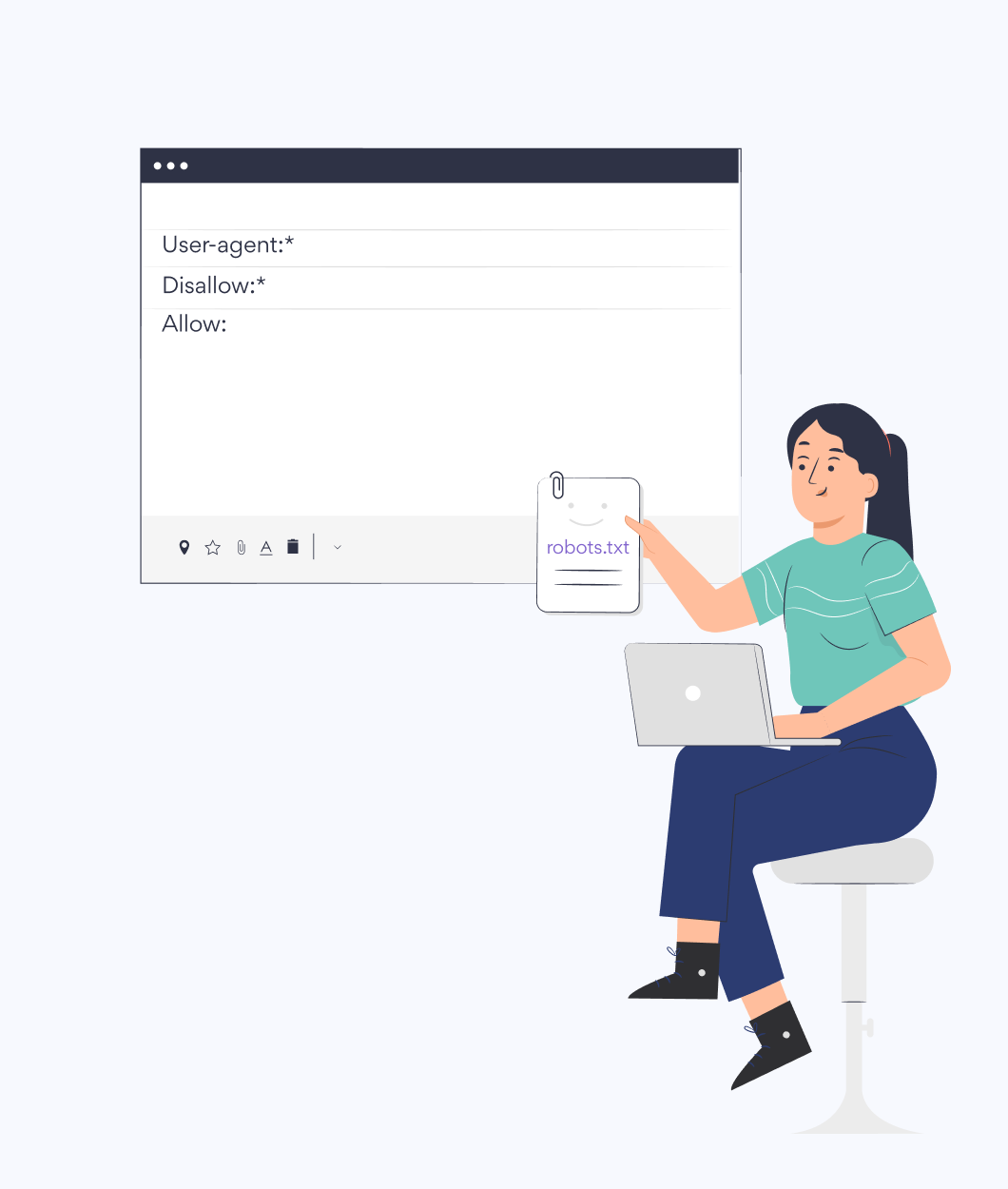
What is the Robot
text validator?
When developing a new campaign or marketing strategy, there is no better place to start than keyword research. Choosing the right keywords is essential to both earning relevant traffic from organic search and for improving the performance of your Google Ads campaigns. Our Keyword Researcher tool simplifies your keyword strategy with essential metrics and advanced features.
Understand the competitive landscape of specific keywords. Find lower-competition alternatives. Do advanced keyword analysis and find all of the relevant keywords in your niche that present opportunities for your website to get in front of more potential customers.


Search Volume
Find out how many users are typing a keyword into the Google search bar each month.

Keyword Difficulty
Understand keyword competition and find the relevant keywords where your web pages stand a good chance of ranking.

Cost-Per-Click (CPC)
See the price per click advertisers pay to target the keyword in a Google Adwords Campaign.
Suggested Keywords
Explore relevant keywords, long-tail variations, and subtopics with the Keyword suggestions feature. Build your content strategy with more keyword opportunities.
When to Use a Robot Text Validator
1.
On-Page SEO
Before you optimize your content, you need to understand which search results you want to rank for. A keyword research tool helps you perform extensive keyword analysis to ensure you choose the best, most profitable ranking opportunities for your business. Make sure you optimize each landing page on your website for a different keyword target.
2.
Blog Post & Content Strategy
For longer-tail keywords, questions, or subtopics with lower search volume, you can create blog posts that explore those long-tail phrases and help bring additional site traffic to your website. These phrases may not have as high of search intent as those keywords for your primary category, product, or service pages, but they can help build your brand awareness and your authority as an expert in your industry niche.
3.
Internal Links
It's important that your website includes internal links with highly relevant anchor text. This can help your web pages rank better in search results for your keyword targets. After you use the keyword research tool to identify your target keywords, make sure you add relevant internal links to that page on other web pages of your site.

Free robot text validator tool
Input your website URL and we check the robots file
Get a Consultation
Fill out this form, and one of our account managers
will reach out to you with insights on your site.